AI
Stop Chasing Supplier Emails: Faster and Safer Validation – The New Way

Solution Consultant - Presales, AODocs · Aug 1, 2025
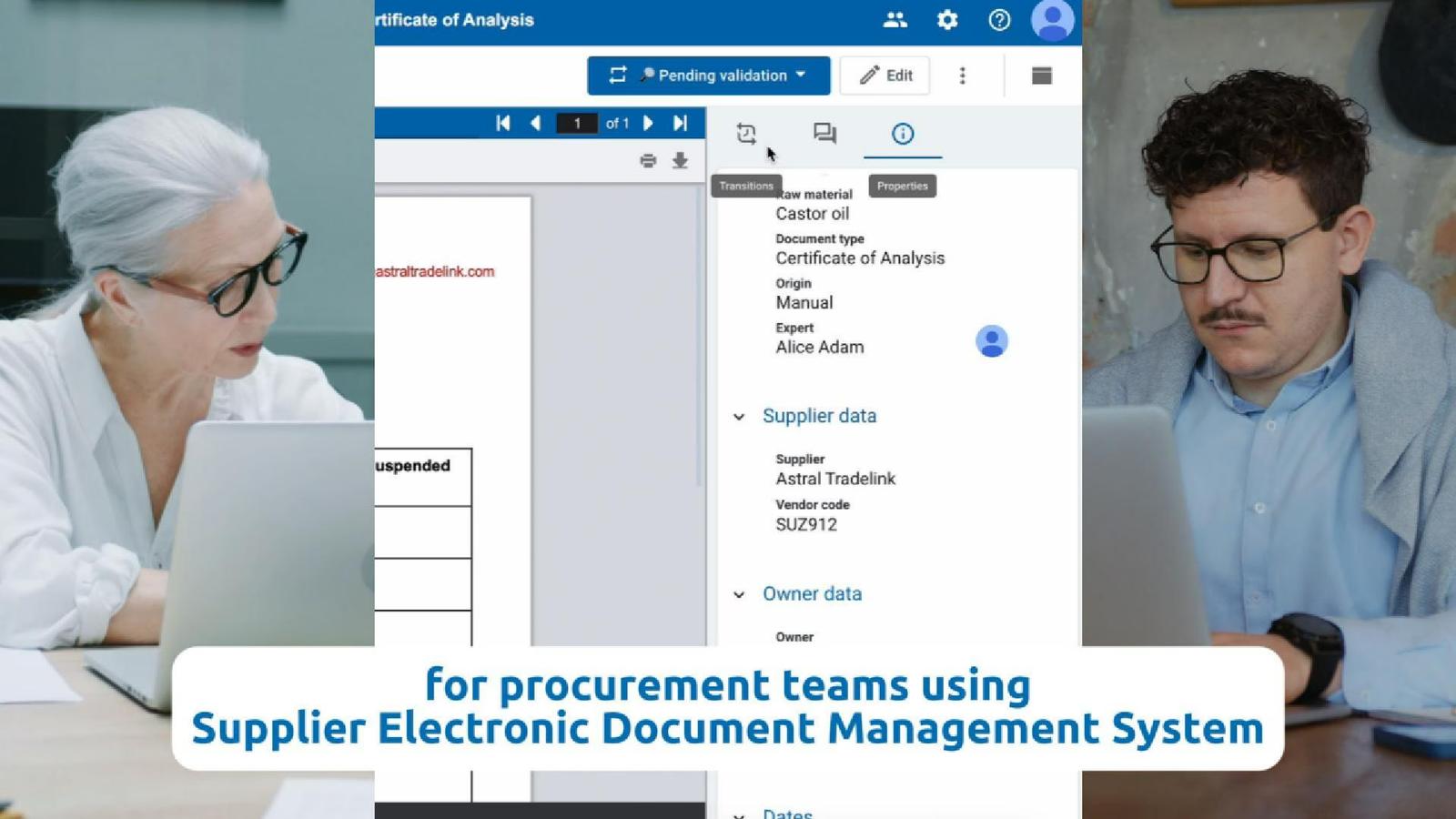
Managing supplier documents by email can slow down procurement workflows. Explore a more efficient approach to validation that reduces delays and errors.
Procurement professionals deal with a constant flow of supplier documents — from certificates of analysis to safety data sheets and technical specifications. These documents are essential for maintaining compliance and quality standards, but managing them often relies on outdated processes: long email chains, scattered file versions, and manual follow-ups for approvals.
As businesses scale, these inefficiencies multiply. Teams spend hours searching for the latest version of a document or confirming whether it’s been approved. Important files get buried in inboxes. Renewals are missed. Errors creep in, and audit-readiness suffers.
Why Traditional Workflows Fall Short
Manual handling of supplier documents introduces unnecessary risk. Common issues include:
- Lack of visibility into document status
- Duplicate or outdated versions stored across systems
- Unclear ownership over validation and approvals
- No automatic reminders for expiration or renewal dates
These gaps don’t just slow things down, they also compromise compliance, increase operational costs, and leave organizations unprepared when documentation is requested during audits or inspections.
What a New Generation DMS Can Do
Modern document management systems are designed to eliminate these pain points. Instead of relying on fragmented tools, a new generation DMS integrates with existing workflows (like email), automates repetitive tasks, and provides a centralized space where supplier documents are easily tracked, filtered, and updated.
Key capabilities typically include:
- Uploading files directly from email platforms
- Extracting relevant metadata automatically using AI
- Assigning and routing documents for review in just one click
- Keeping a full audit trail of approvals and updates
- Alerting teams when documents are nearing expiration
A Practical Example
Imagine receiving a new certificate of analysis from a supplier. Rather than saving the attachment to a shared drive and emailing it to a manager for approval, you upload it directly from Outlook.
The system uses AI capabilities to extract the necessary metadata from the up-to-date file, allows you to assign an approver, and notifies them automatically. When the certificate approaches its expiration date months later, the system alerts you to take action — ensuring continuity, fast and accurate validation, without requiring manual tracking.
This type of AI-powered workflow not only speeds up document validation but also ensures consistency and accountability access teams.
Where AODocs Fits In
AODocs is a new-generation Document Management System that supports procurement and finance teams with exactly this kind of functionality. Being cloud-native, it integrates with tools like Outlook and Google Workspace, uses AI to automate data entry and processing, and helps organizations stay audit-ready with minimal manual effort.
To learn more about how AODocs can support your document workflows:
Frequently asked questions
What should reviewers check before approving a supplier certificate?
Check that the certificate belongs to the correct supplier and the relevant product or batch, contains the information your process requires, and is the version submitted for review. Confirm any applicable validity dates and resolve missing data before approval. AI-extracted metadata can assist the review, but the reviewer should verify it against the certificate.
How should teams manage supplier document renewal reminders?
Assign a document owner, record the relevant expiration or review date, and configure reminders with enough time for renewal and validation. Define an escalation path if the supplier does not respond. A reminder supports follow-up; it does not confirm that a replacement has arrived or that the replacement document has been approved.
What does a supplier certificate approval workflow look like?
A supplier certificate workflow moves the document from receipt through verification, assigned review and approval to renewal follow-up. In a hypothetical example, procurement receives a certificate, checks its supplier and batch details, assigns a reviewer and records the decision. A configured reminder then prompts the owner to obtain and validate a replacement when needed.